

Recovery Key
The appliance recovery key is used to unlock the NeQter drive outside its normal startup process. Export it during initial setup and store it where authorized staff can retrieve it during recovery.
Export and store the key
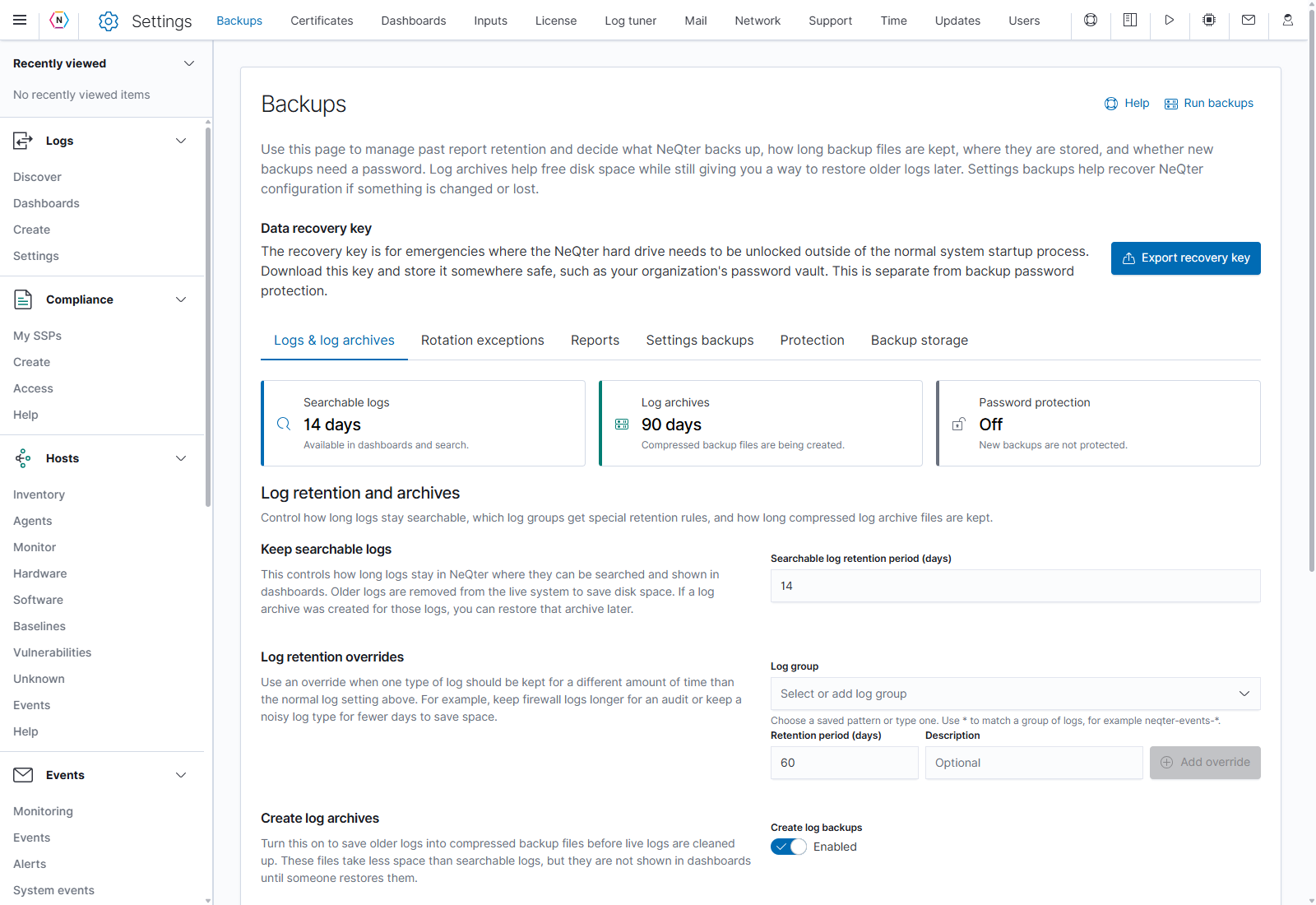
- Open Settings > Backups in NeQter.
- Find Data recovery key near the top of the page, above the configuration tabs.
- Click Export recovery key to download the key to your computer.
- Confirm the download and store it in your organization’s password vault or another controlled recovery location. Record which appliance it belongs to, and keep it available independently of that appliance.
Keep the recovery credentials separate
| Credential | Purpose |
|---|---|
| Appliance recovery key | Unlocks the NeQter drive outside normal startup. Download it with Export recovery key. |
| Backup-file password | Restores protected log archives and settings backups. Configure it on Protection. |
| Remote file-share password | Connects NeQter to the remote backup folder. Enter it on Backup storage. |
Exporting the recovery key does not create a log archive or a settings backup. Continue with the backup setup steps to configure those files and their storage.